NetDiskMount · v1.0.9
Keep NAS and cloud drives
mounted on your Mac
NetDiskMount auto-mounts NAS, WebDAV and SMB/AFP/NFS network drives on macOS, silently reconnects after sleep or Wi-Fi changes, and makes NTFS disks writable.
 macOS menu bar app · network drive mount & reconnect

 View on GitHub
Why NetDiskMount
Mount it once. Never think about it again.
After an outage, a sleep or a Wi-Fi switch, your network folders come back on their own.
Auto Reconnect.
Silent Recovery.
When the network drops and returns, or your Mac wakes from sleep, the network folders are mounted again. No trip to Finder's "Connect to Server", no popups.
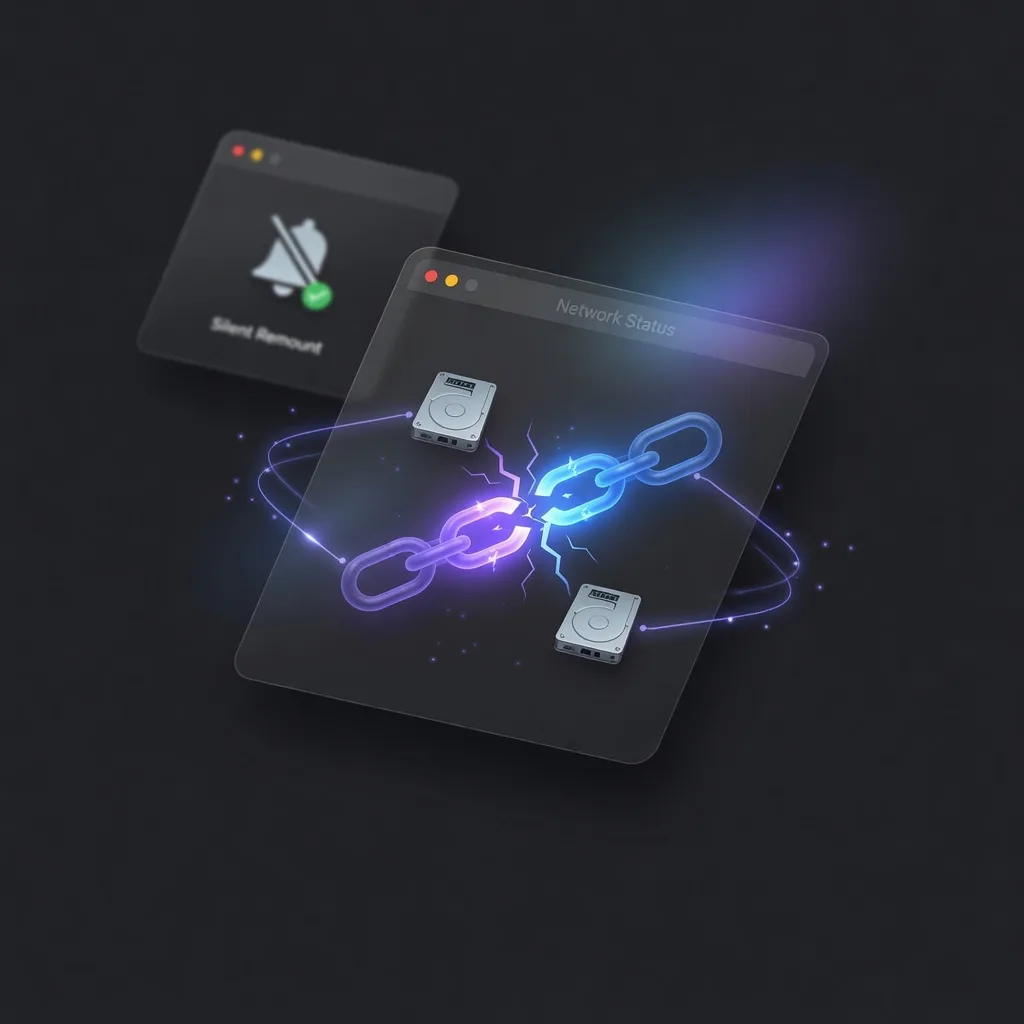
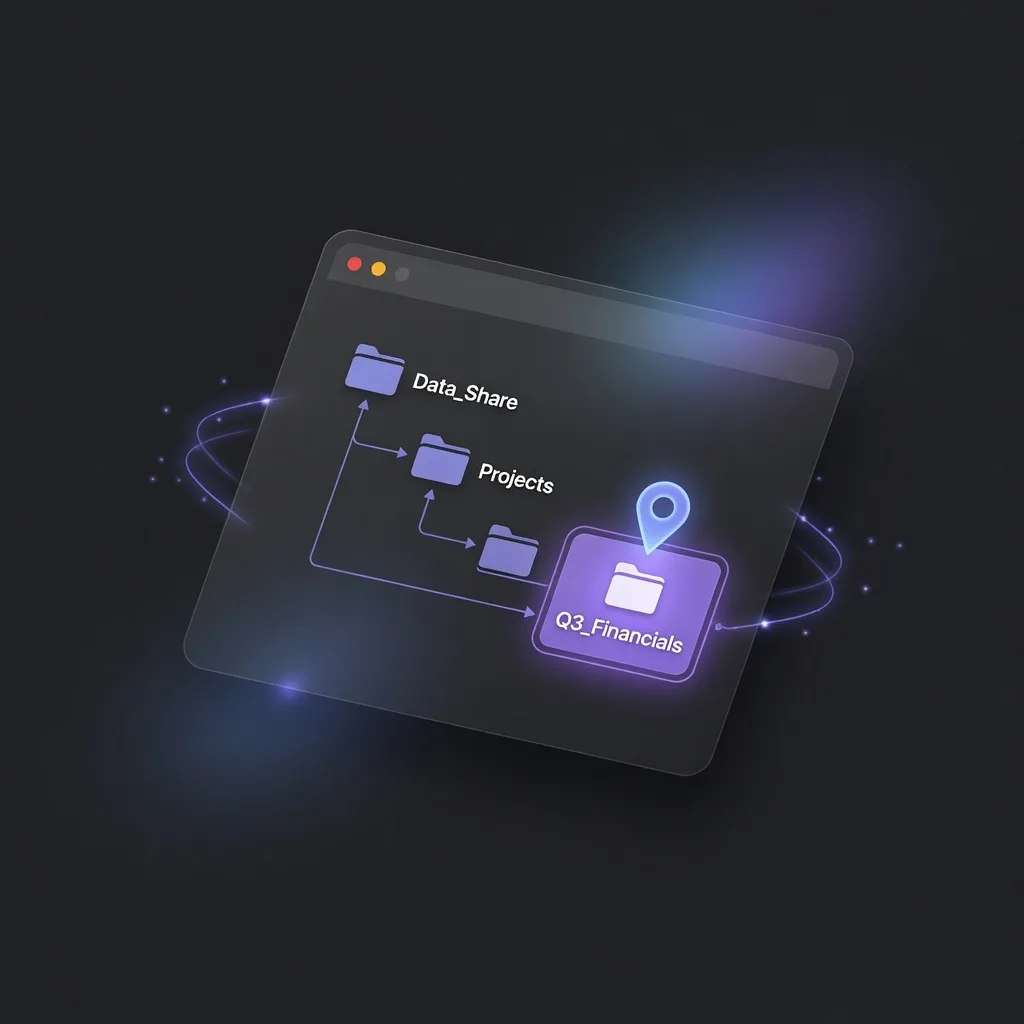
Set Up Once.
Ready at Login.
Server address, path, account, password and mount point are saved once, then mounted automatically at startup. You can even mount a single subdirectory such as smb://nas.local/share/tools.
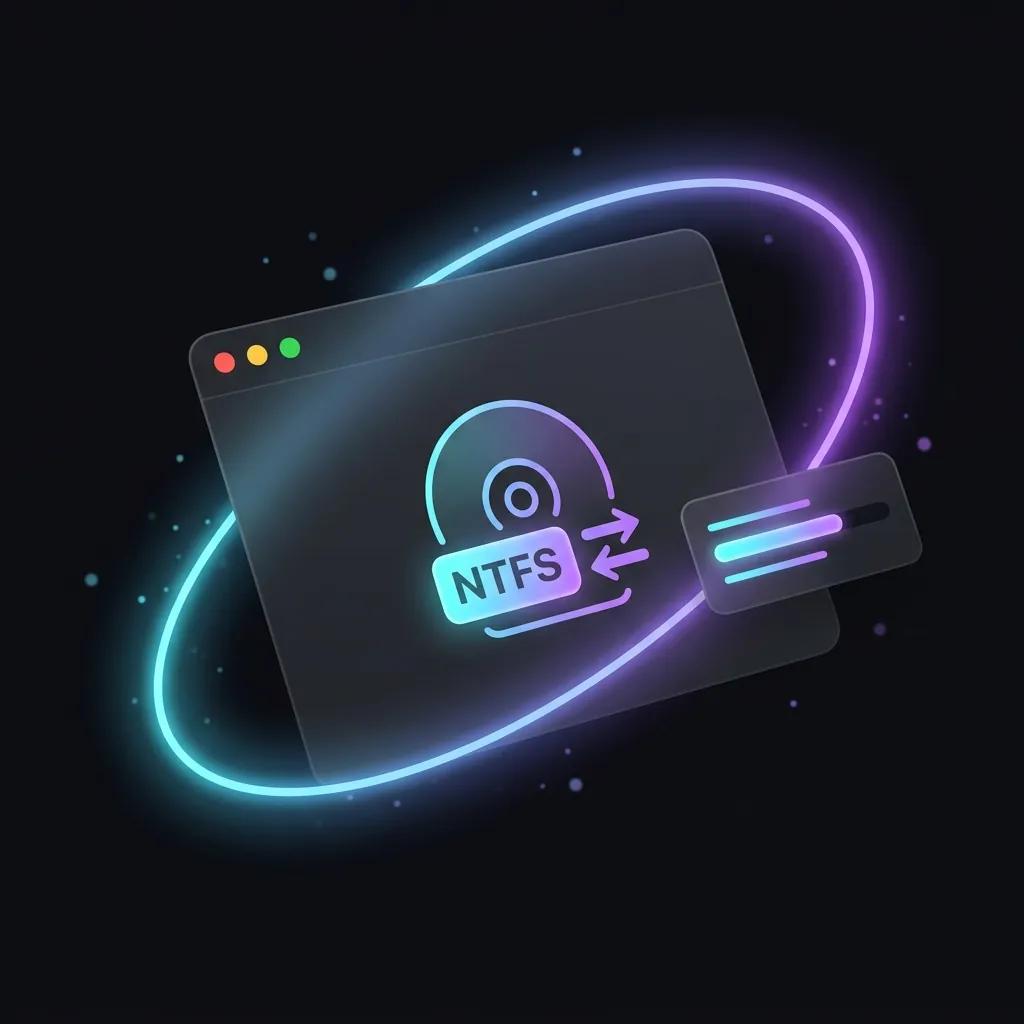
NTFS Drives.
Plug In and Write.
Breaks through macOS's read-only limit on NTFS: Windows-formatted external disks and USB sticks mount read-write. The first switch-on asks for your Mac password once to install the driver.
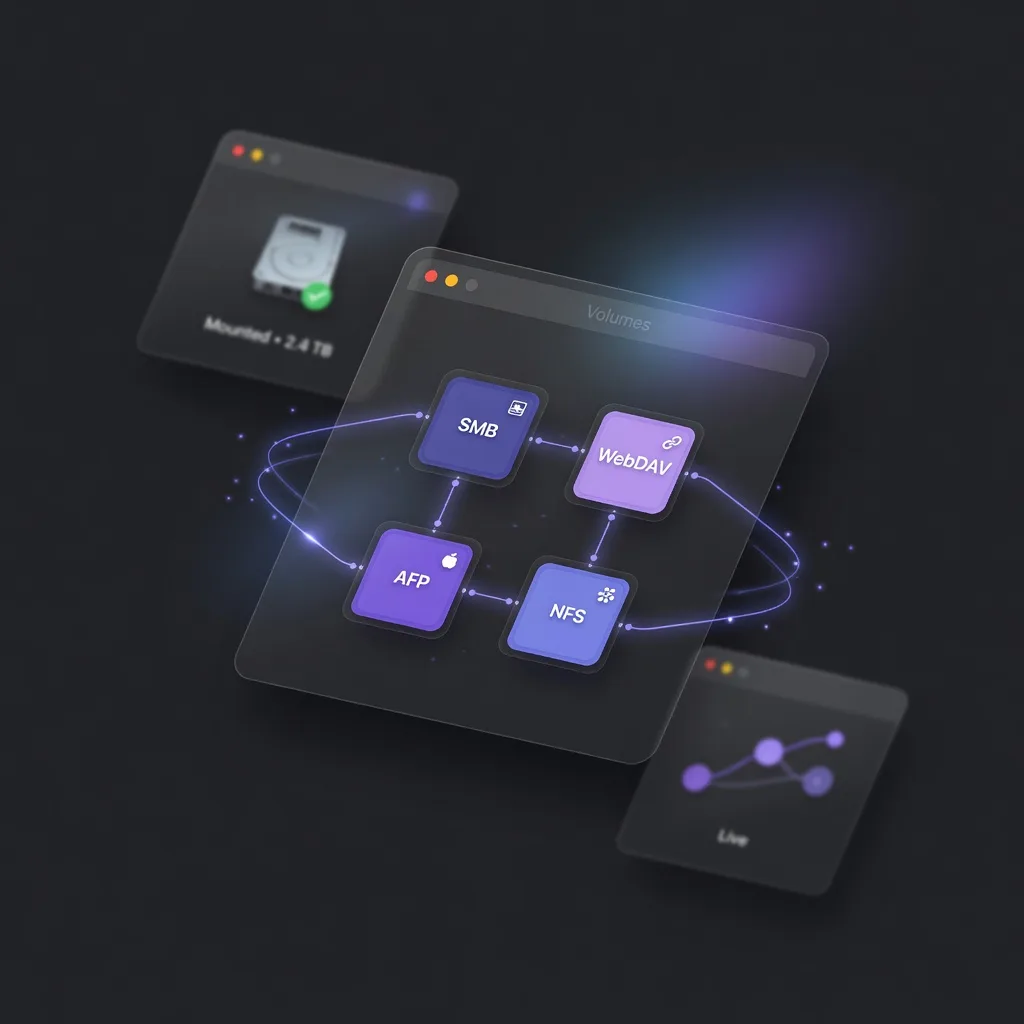
Four Protocols.
All Covered.
SMB, WebDAV, AFP and NFS are all supported — Synology, QNAP, WebDAV cloud drives, Linux servers and older Time Capsules. SMB negotiates SMB2–SMB3 by default, with SMB3 multichannel available.
Passwords Stay Local.
No Keychain Needed.
Credentials live in a local encrypted file, never written to logs, and no macOS Keychain dependency. Exported diagnostics contain no passwords, and account names are redacted.

All Features
One menu bar icon for every disk
Auto Reconnect
After an outage, sleep or Wi-Fi switch, your network folders are remounted automatically — no Finder trip.
Set Up Once
Address, account, password and mount point are saved once. Works from login onward, no repeated typing.
NTFS Read & Write
Plug in an NTFS external disk and it mounts read-write, lifting the macOS read-only limit.
SMB / WebDAV / AFP / NFS
Four protocols covered: Synology, QNAP, WebDAV cloud drives, Linux servers and older Time Capsules.
SMB3 Multichannel
SMB2–SMB3 negotiation by default with no insecure SMB1, plus advanced options like SMB3 multichannel.
Auto Update
Checks for a new version daily, installs in one click and relaunches. Settings and passwords are kept.
Five Languages
Follow the system or switch between English, 中文, 한국어, 日本語 and Русский instantly.
One-Click Diagnostics
Export a diagnostic bundle when something breaks. No passwords inside, account names are redacted.
Platform
Built for macOS
Menu Bar Utility
- Lives in the menu bar, never interrupts your workflow
- SMB / WebDAV / AFP / NFS protocol support
- Silent auto-reconnect, no user intervention needed
- NTFS external drives read and write
- English / 中文 / 한국어 / 日本語 / Русский
- Daily update checks with one-click install
Get NetDiskMount
Download NetDiskMount
Free on GitHub, MIT licensed. Current version v1.0.9, requires macOS 14 or later on Apple silicon or Intel.