iLaunch
Bring back
Launchpad
iLaunch is a native macOS app that restores the classic full-screen Launchpad app grid, with folders, instant Pinyin search, and manual layout. Organize once, rely on it forever.
 macOS Desktop App

Why iLaunch
Organize once, rely on it forever
macOS 26 replaced the classic Launchpad with a Spotlight-like Apps entry. iLaunch brings the spatial memory back.
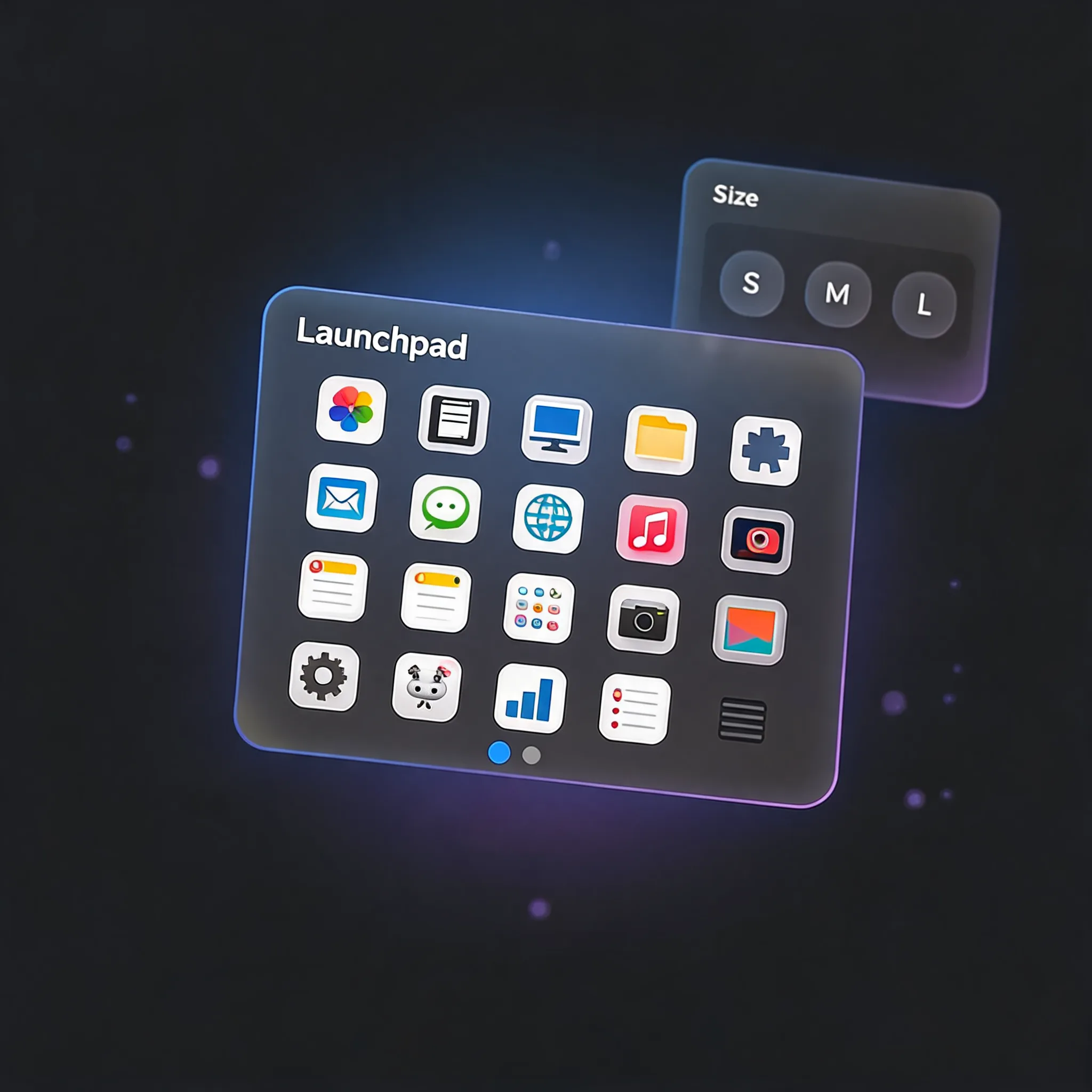
Full-Screen Grid
Spatial Memory Intact
Borderless overlay, real system icons, page indicators. Rows, columns, icon size (S/M/L), and app names are all customizable in settings. Knowing which page and corner an app lives in is often faster than typing.
Instant Search
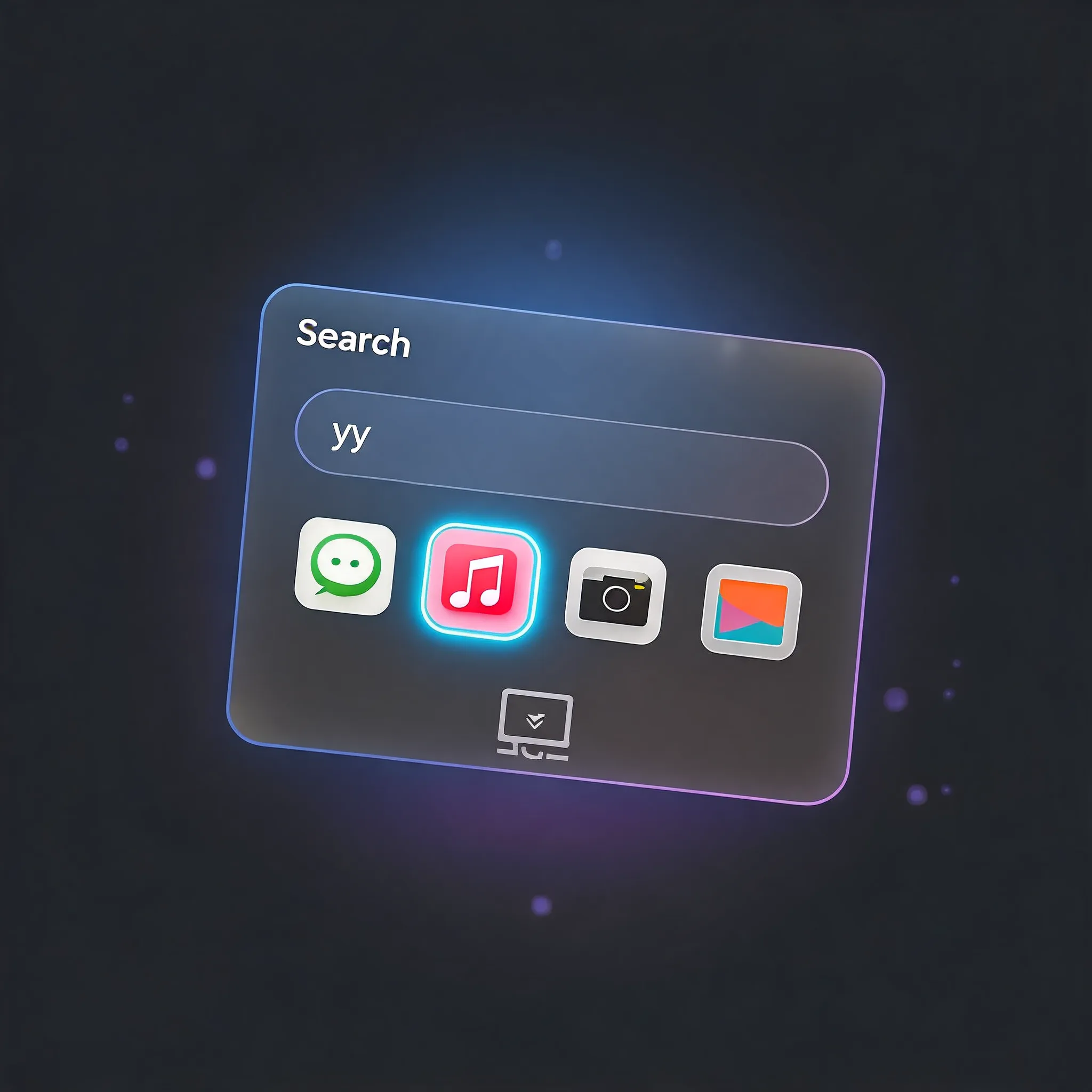
Pinyin Included
Real-time filtering with full Pinyin support (type "yy" to find "音乐" — Music). Keyboard navigation, and click anywhere blank to dismiss.
Drag Together
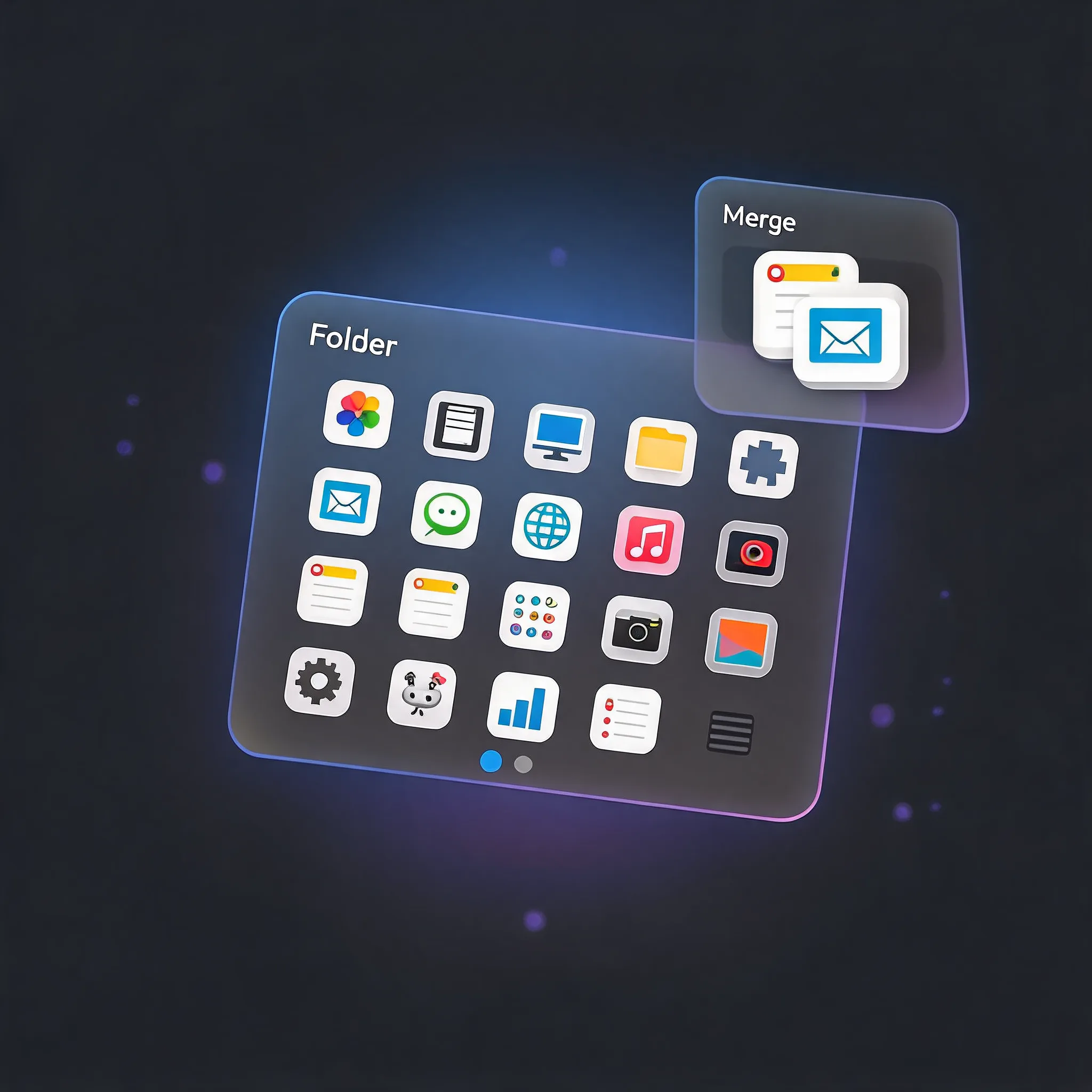
Instant Folder
Drag one app onto another to group them. The folder pops open from the tile and shrinks back when closed. 3×3 preview when closed; tap mini icons inside an open folder to launch directly. On first launch, system Apple apps are automatically collected into their own folder, and newly installed ones quietly join later — without disturbing your layout.
Oversized Folders.
Launch Without Opening.
Brings the HarmonyOS large-folder interaction to macOS: expand a folder to 2×2 and its apps auto-carousel in place — browse them without opening the folder, tap to launch directly.

Global Hotkey
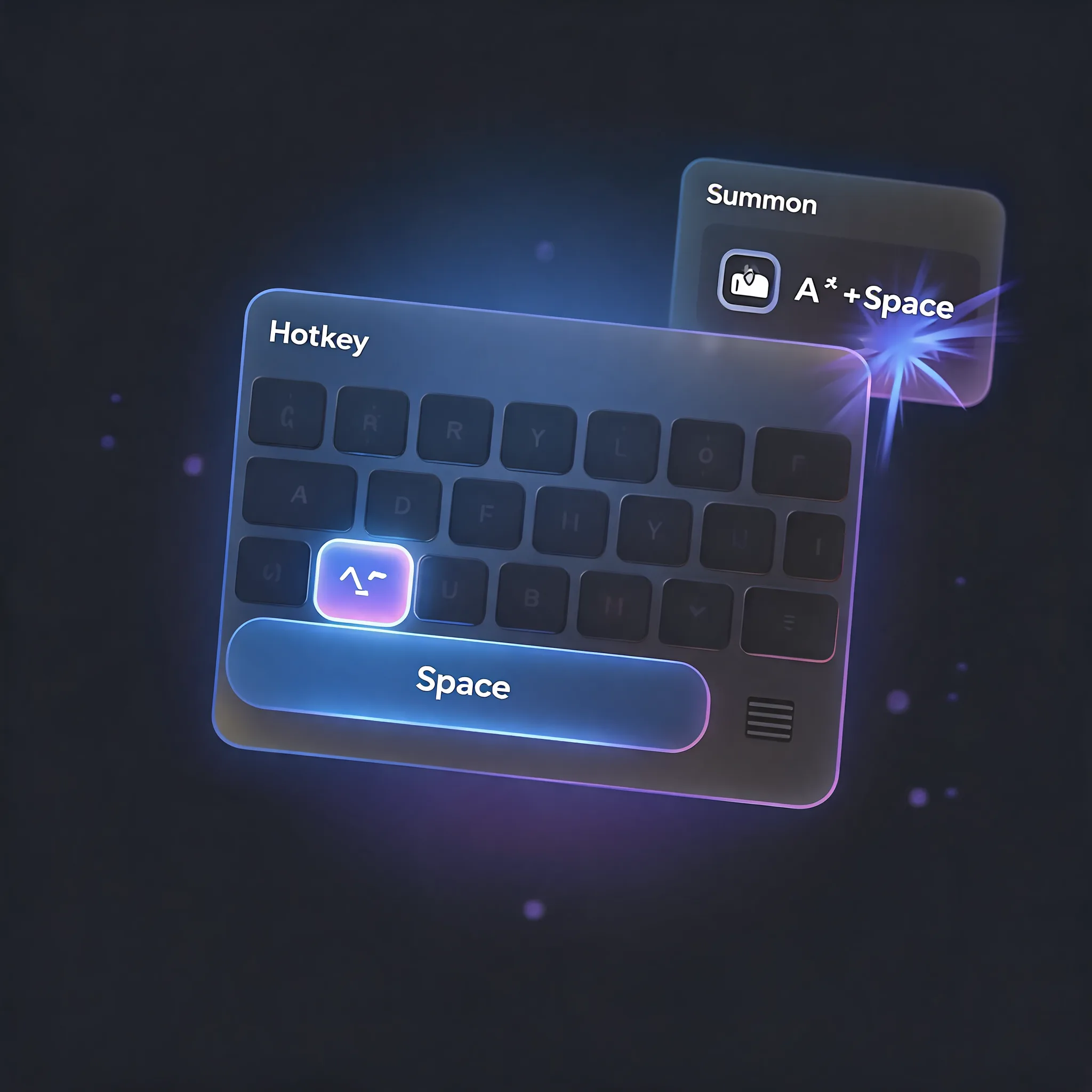
Summon Anytime
Default ⌥ Space, customizable in settings. Also opens from the menu bar and Dock. Launching an app instantly dismisses the full-screen grid — no lag.
All Features
The classic Launchpad feel, restored
Full-Screen Grid
Borderless overlay with real system icons. Rows, columns, and icon size are all configurable.
Instant Search
Real-time filtering with full Pinyin support and keyboard navigation.
Folders
Drag one app onto another to group them. 3×3 preview when closed; tap mini icons inside an open folder to launch.
Smart Apple Folder
System apps are automatically grouped into an "Apple" folder without disturbing your layout.
Live Drag & Drop
Tiles make way automatically, move across pages, and the layout saves itself.
Global Hotkey
Default ⌥ Space, customizable in settings. Also opens from the menu bar and Dock.
Platform
Built for macOS
macOS Desktop App
- Full-screen grid with manual layout
- Instant Pinyin search
- Folders with smart Apple grouping
- Configurable global hotkey
Get iLaunch
Download iLaunch
Free and open source on GitHub.

GitHub
Download the latest DMG and drag it to Applications. MIT license. If Gatekeeper blocks the first launch, right-click → Open.
Download DMG