AutoPrint
Drop files in.
They print.
AutoPrint is a macOS desktop app for automatic local printing. Place files in a watched folder, and the app periodically scans and sends them to a configured printer, recording each result.
 macOS Desktop App

Why AutoPrint
Configure once. Print forever.
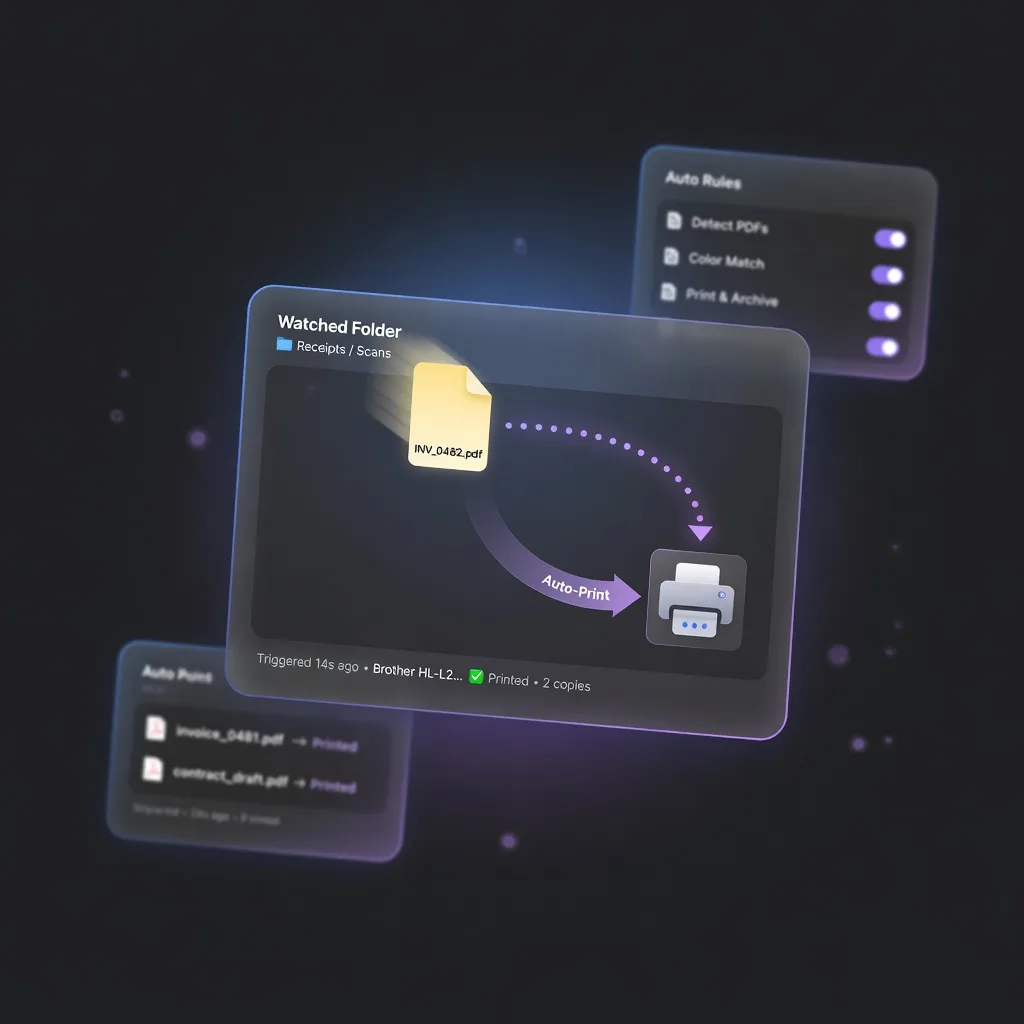
Place files in a watched folder, AutoPrint sends them to the printer automatically. No manual intervention needed.
Watch Folders.
Auto-trigger.
Choose one or more local folders to monitor. New files trigger automatic print jobs — no need to open each file manually.
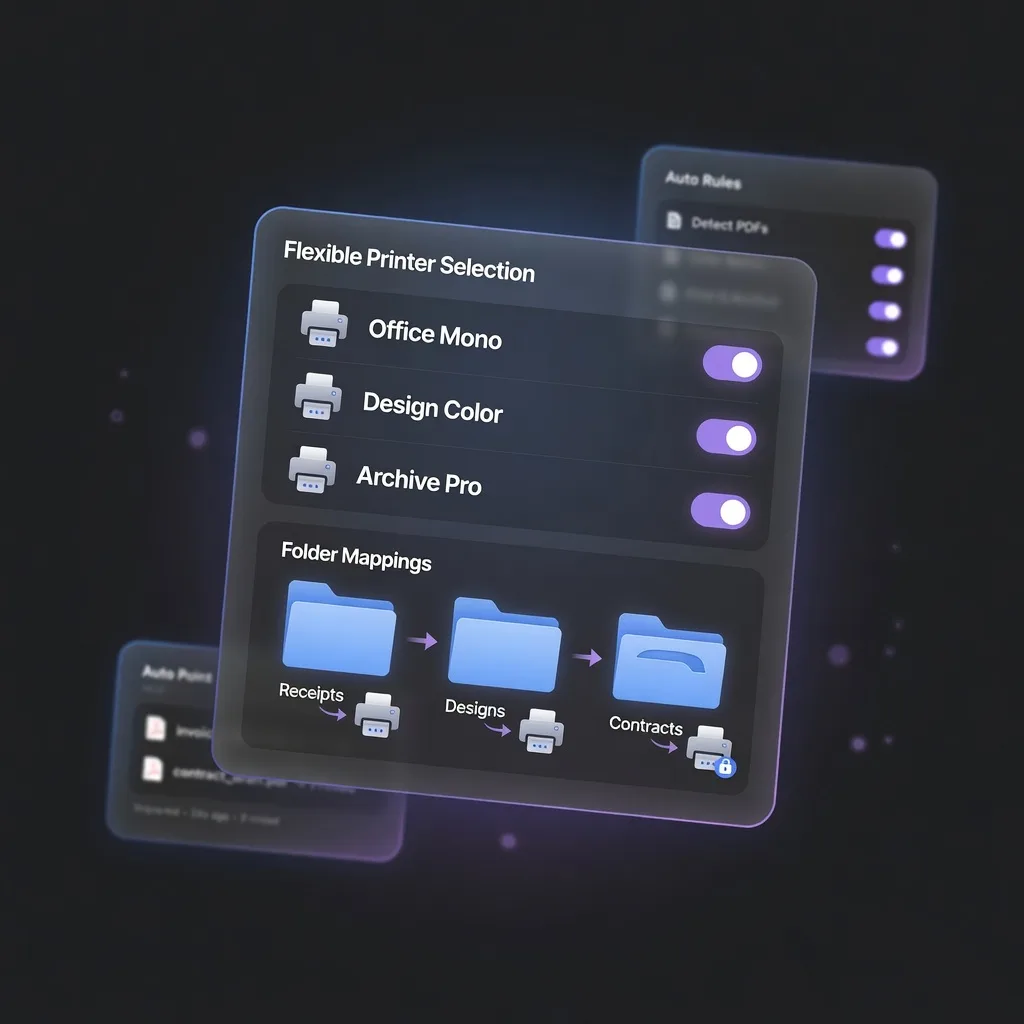
Flexible Printer Selection.
Multi-scenario.
Lists all system printers. Assign different printers to different folders — perfect for offices, classrooms, or home setups with multiple devices.
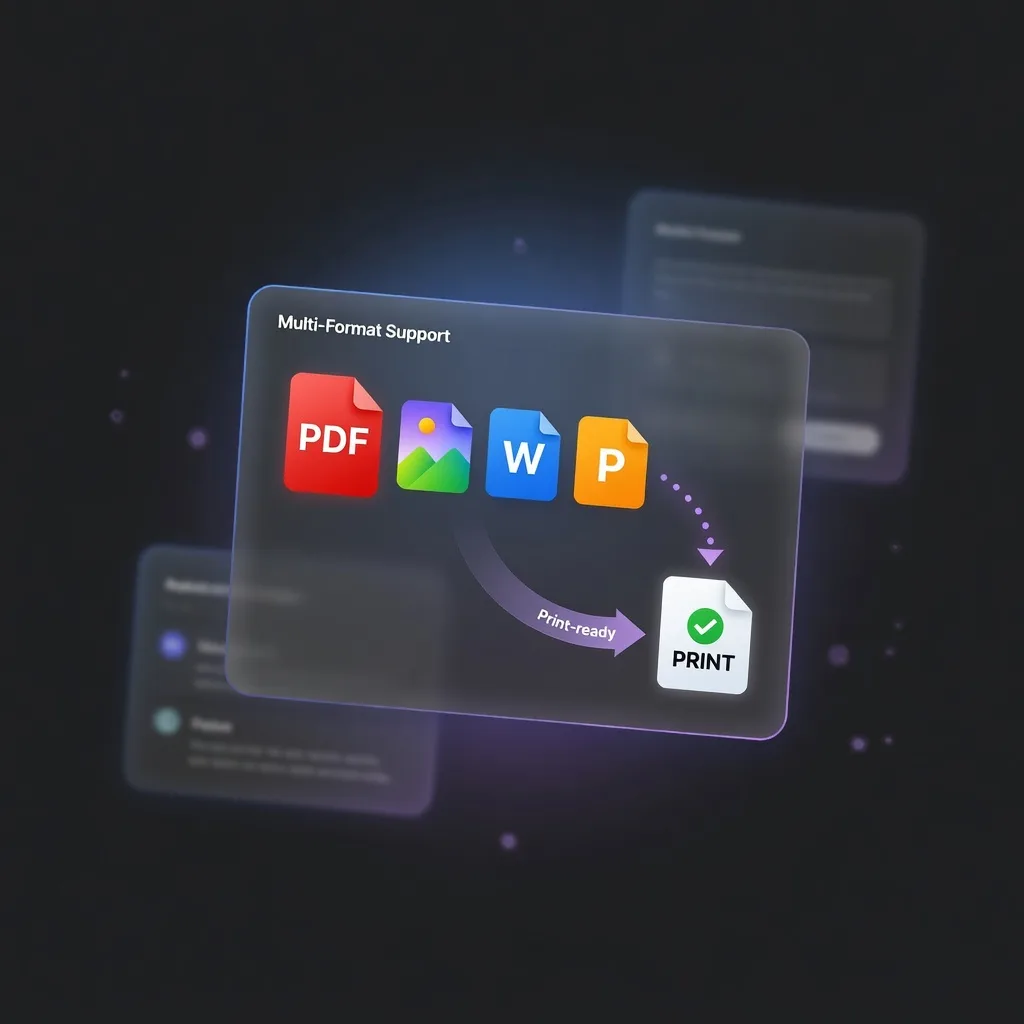
Office Conversion.
Multi-Format.
Handles PDF, images, and Office documents. Choose LibreOffice Headless, Microsoft Word, or Pages for document-to-PDF conversion before printing.
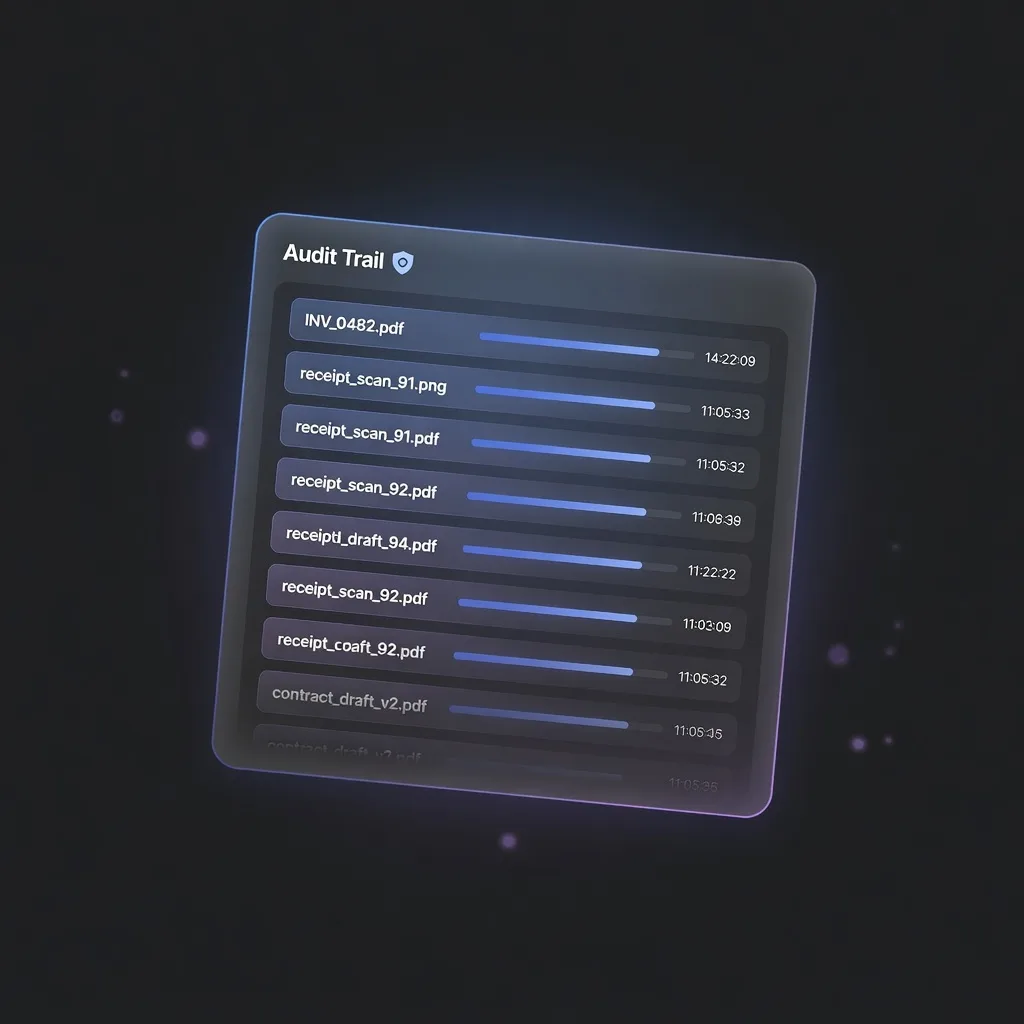
Print Log.
Full Audit Trail.
Records file name and completion time for every print job. Know exactly what printed, when — perfect for small offices needing accountability.
All Features
The small office print solution
Watch Folders
Choose one or more local folders to monitor. New files trigger automatic print jobs.
Printer Selection
Lists all system printers. Assign different printers to different folders as needed.
Multi-Format
Handles PDF, images, and Office documents (with optional conversion configured).
Office Conversion
Choose LibreOffice Headless, Microsoft Word, or Pages for document-to-PDF conversion.
Print Log
Records file name and completion time for every print job. Full audit trail.
Lightweight
Built for small offices, classrooms, and home NAS print workflows. Simple and persistent.
Platform
Built for macOS
macOS Desktop App
- Watch local folders, auto-trigger print jobs
- PDF, image, and Office document support
- Optional document conversion engine
- Complete print log with timestamp
Get AutoPrint
Download AutoPrint
Free and open source on GitHub.