LumiBox
Your photos.
Between your devices.
LumiBox connects to your Synology NAS or Immich server to automatically sync local photos, videos, and Live Photos, then lets you browse and preview uploaded media right on your phone.
 HarmonyOS App

Why LumiBox
Backup. Browse. Done.
Connect Synology NAS or Immich, and bridge your Huawei gallery with your private photo server. Your photo data stays entirely under your control.
Beyond Synology.
Open-source Immich support.
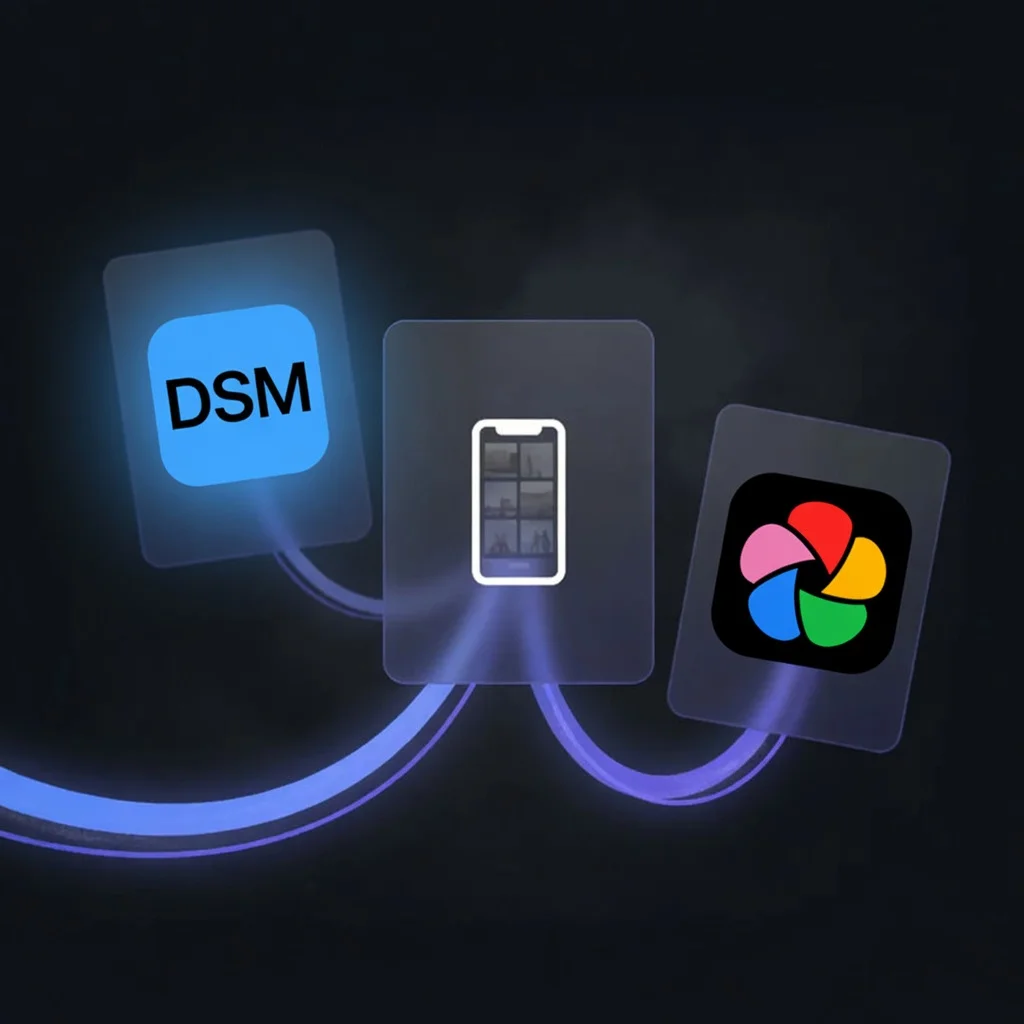
Alongside Synology NAS, LumiBox now connects to Immich—self-hosted open-source photo servers or private instances on a cloud VPS, with the same smooth sync and browse. Existing Synology users are unaffected; Immich users finally get a native HarmonyOS client.
Live Photo.
Still moving after upload.
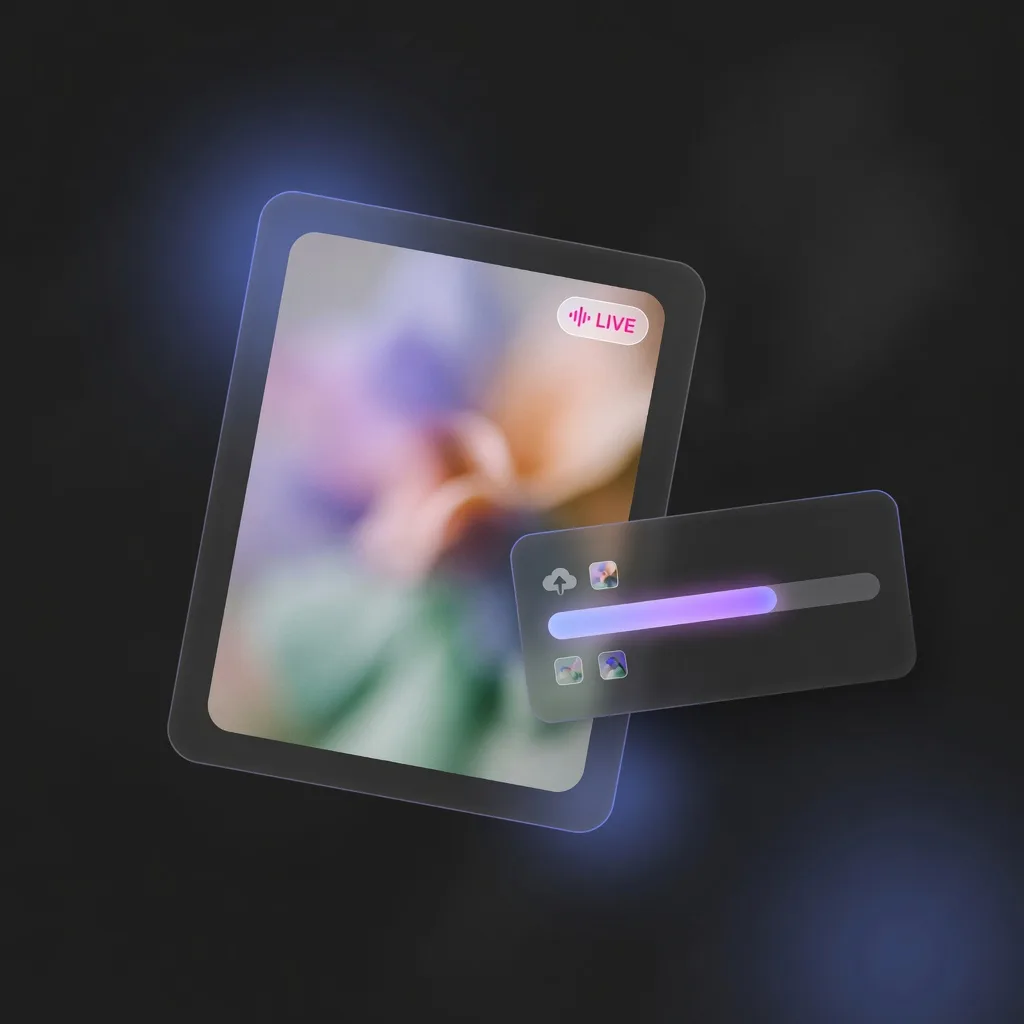
LumiBox fully recognizes HarmonyOS Live Photo format, preserving the motion on upload. Press to play, release to pause — the era of backups turning Live Photos into stills is over.
HDR Vivid.
Every bit of color, intact.
Open LumiBox and supported Huawei devices automatically play photos and videos with HDR Vivid rendering — as vibrant when browsing as the moment you shot them.
Delta Sync.
Already uploaded, never again.
LumiBox only transfers files not yet on your server. Resumable mid-transfer — no starting over, no wasted bandwidth.
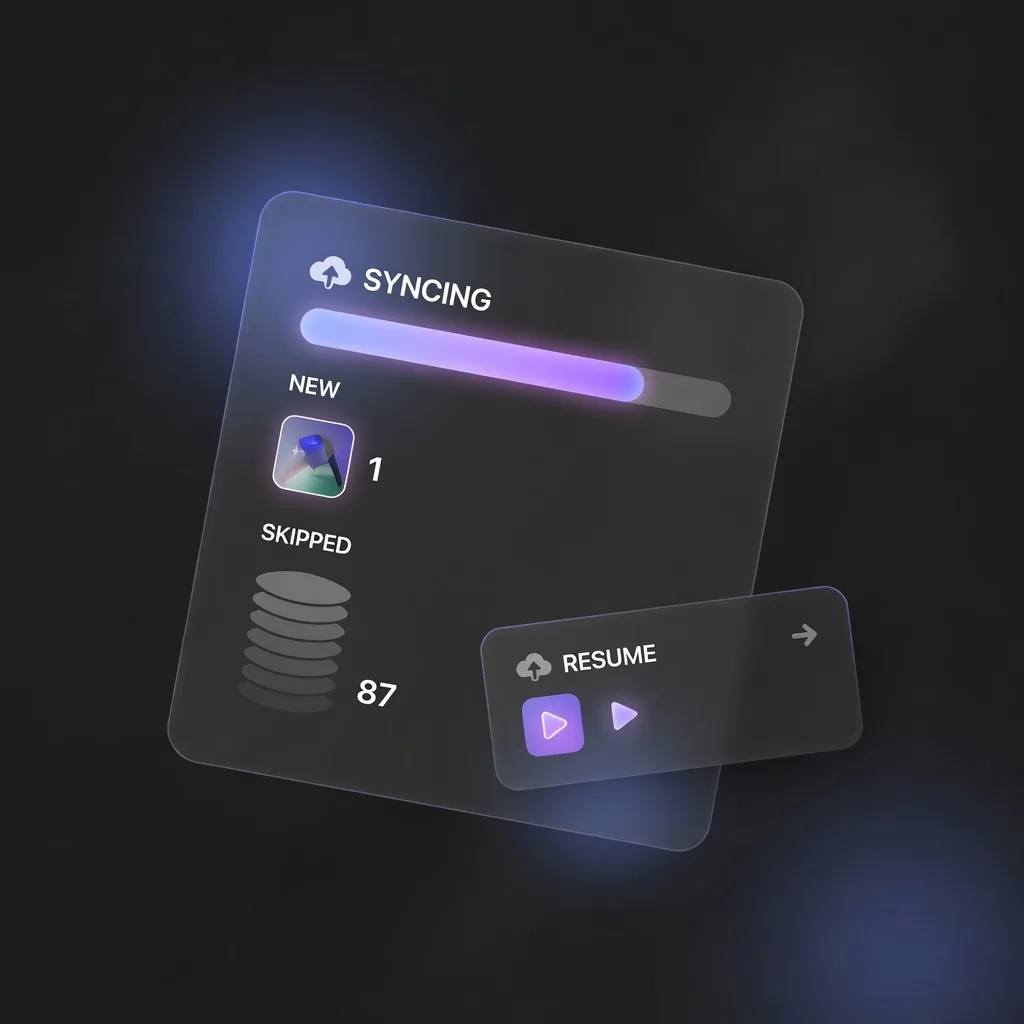
Photo Timeline.
Feels just like your phone gallery.
Browse all server photos by year, month, and day, with folder structure fully preserved — opening your gallery feels exactly like opening your phone gallery.
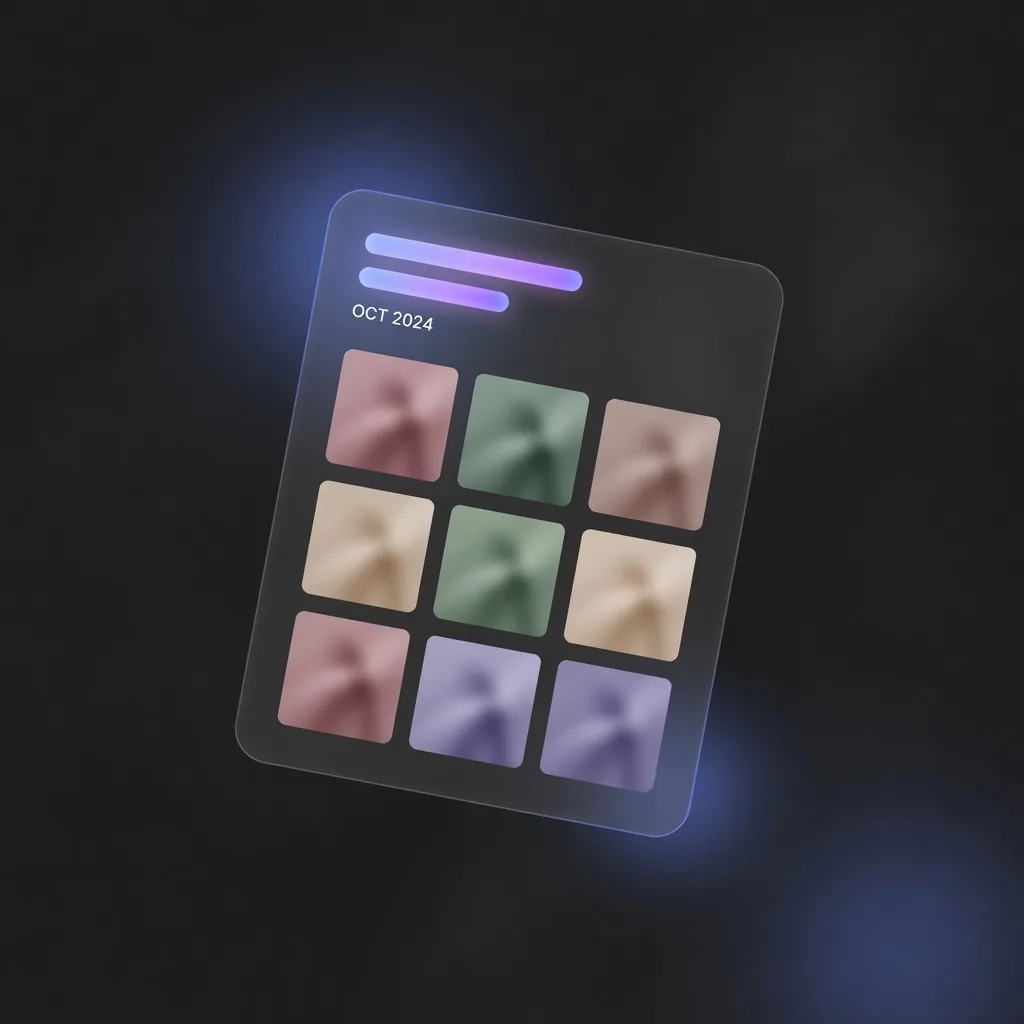
Your photos.
Only between your devices.
Photos go directly to your configured Synology NAS or Immich server — never through third-party cloud relays. Visual cache management, one-tap clear — your storage, your rules.
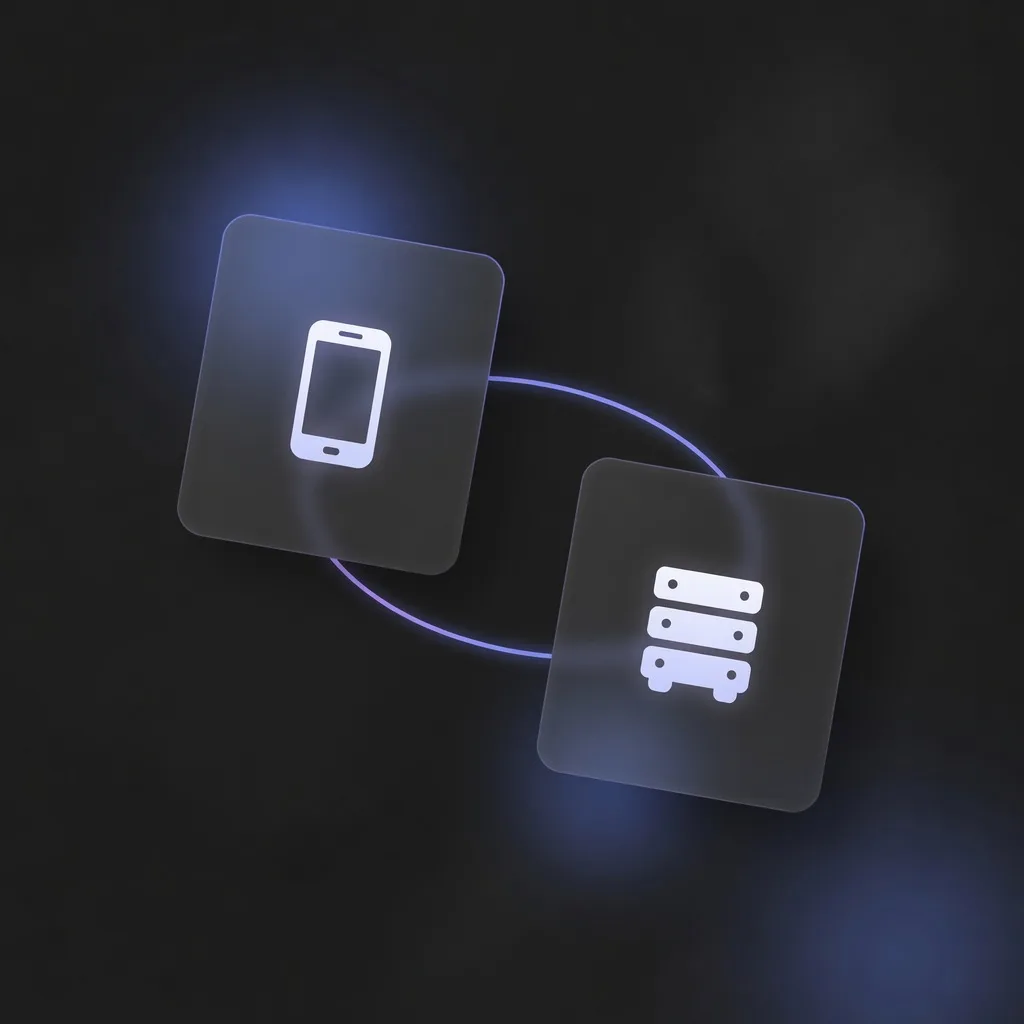
Selective folder backup.
Privacy fully under your control.
Whether backing up to Synology or Immich, you precisely choose which folders to upload—finally taking real control of what leaves your phone, instead of handing over the entire device.
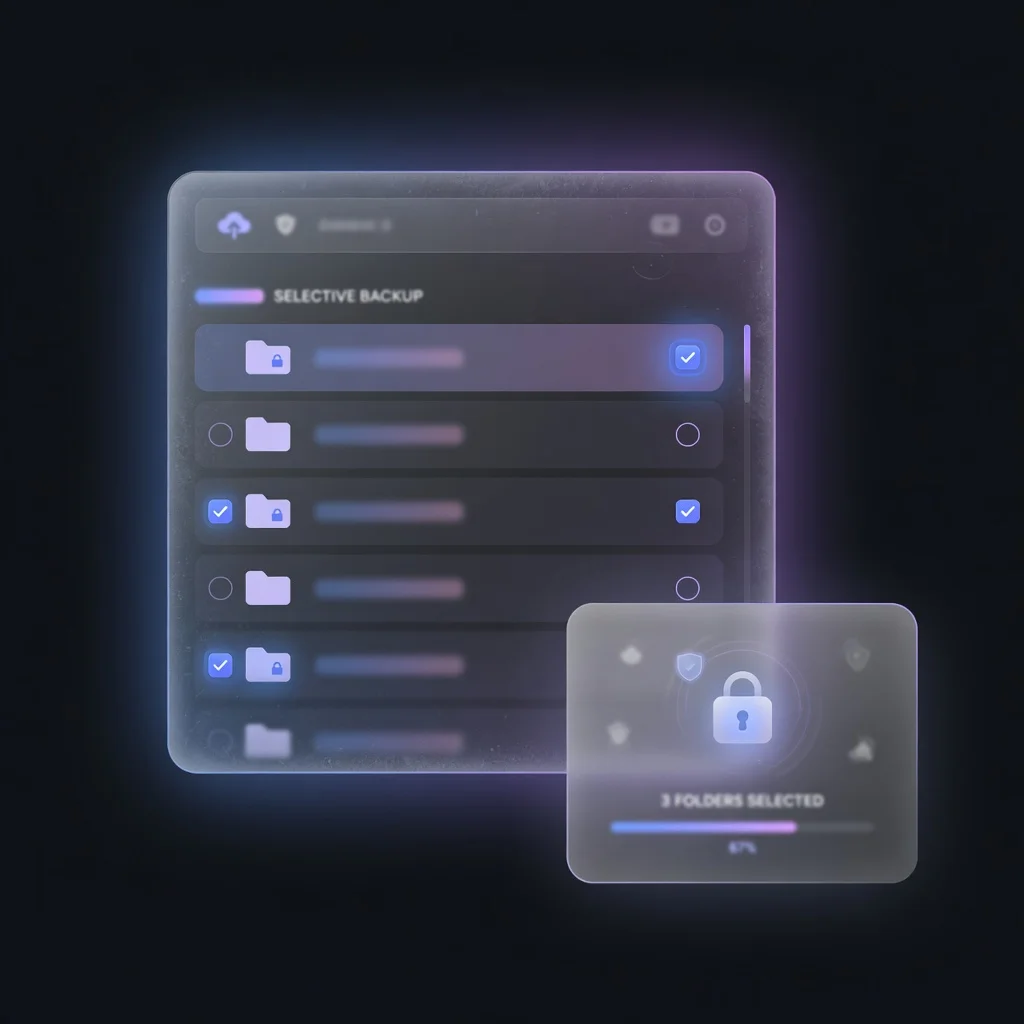
Features
Thoughtful in every detail
Open-source Immich Support
Connects to Synology NAS or Immich—self-hosted or private cloud. Smooth sync and browse.
Delta Sync
Only transfers files not yet on the server. Resumable transfers. Saves bandwidth and time.
Photo Timeline
Browse all server photos by year, month, and day. Folder structure fully preserved.
HDR Vivid Preview
Plays media with HDR Vivid rendering intent on supported Huawei devices.
Live Photos
Full support for Huawei Live Photo upload, sync, and playback preview.
Folder Structure
Uploads preserving your local album folder tree, mirrored exactly on the server.
Cache Management
Visual cache usage indicator. One-tap clear for thumbnails and preview cache.
Truly Controllable Backup
You decide the backup scope—not the tool. It returns choice to you, something almost no other app does.
Platform
Built for Huawei
Native HarmonyOS App
- ArkTS native development, HarmonyOS design language
- HDR Vivid rendering, full Live Photo support
- Synology NAS and Immich dual backend support
- Resumable uploads, incremental delta sync
Get LumiBox
Download LumiBox
Free on Huawei AppGallery.