AutoVolume · v0.1.45
Set it up.
Forget about it.
AutoVolume is a lightweight macOS menu bar utility that automatically monitors and remounts network file servers — perfect for NAS, routers with USB drives, corporate file servers, and WebDAV cloud storage.
 macOS Desktop App

Why AutoVolume
Silent. Self-healing. Lightweight.
Network recovers, volumes remount — automatically, without a single notification.
Four Protocols.
Full Coverage.
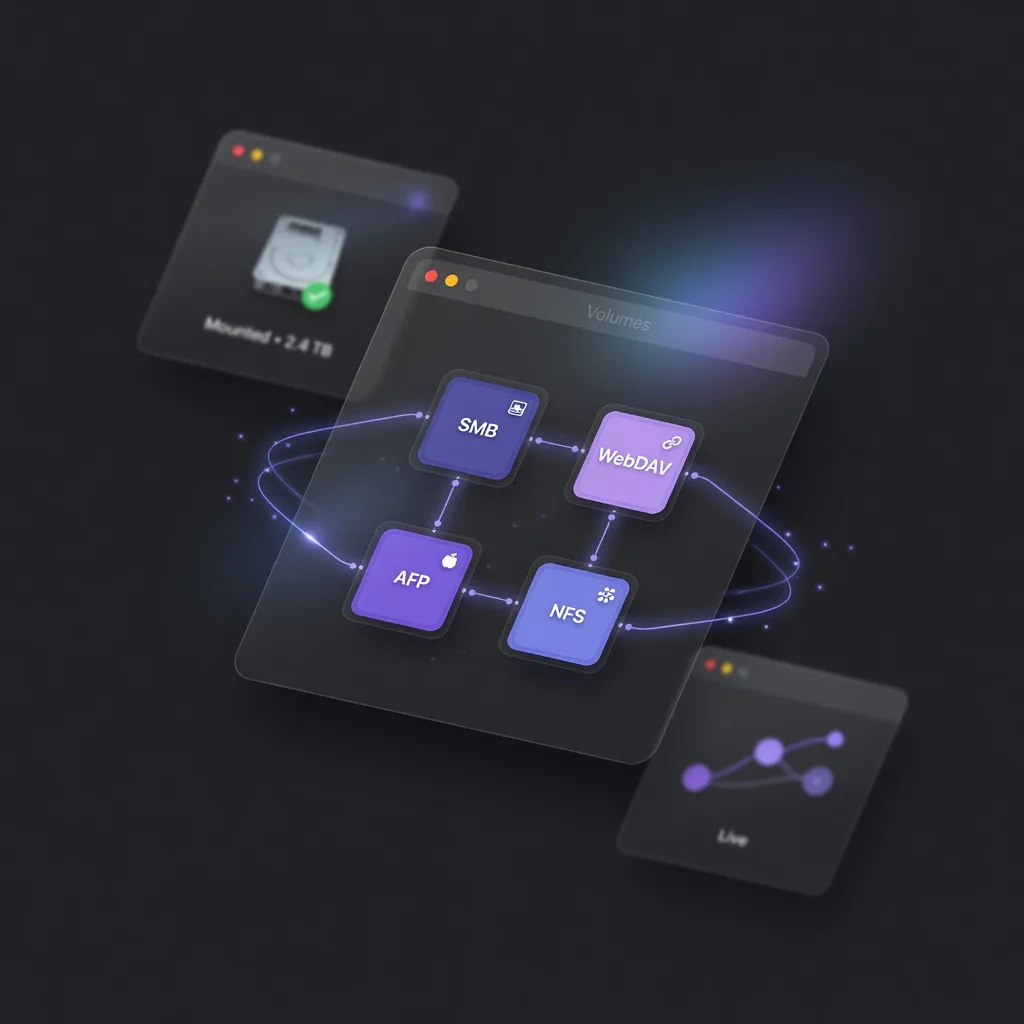
Supports SMB, WebDAV, AFP, and NFS — covering all major NAS brands, routers with USB drives, corporate file servers, and WebDAV cloud storage.
Auto Reconnect.
Zero Interruptions.
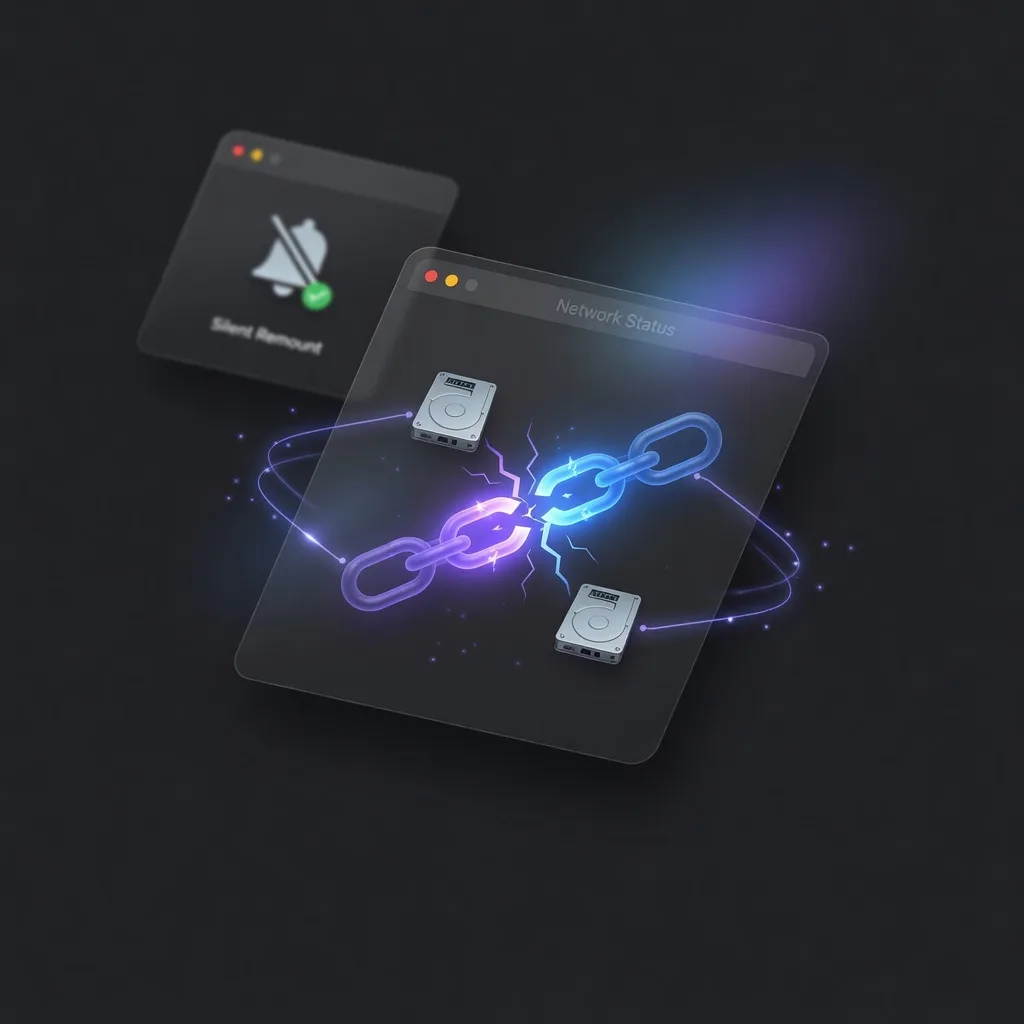
Detects server recovery after network interruption and silently remounts. No manual Finder navigation. No annoying popups.
Subdirectory Mount.
Precise Targeting.
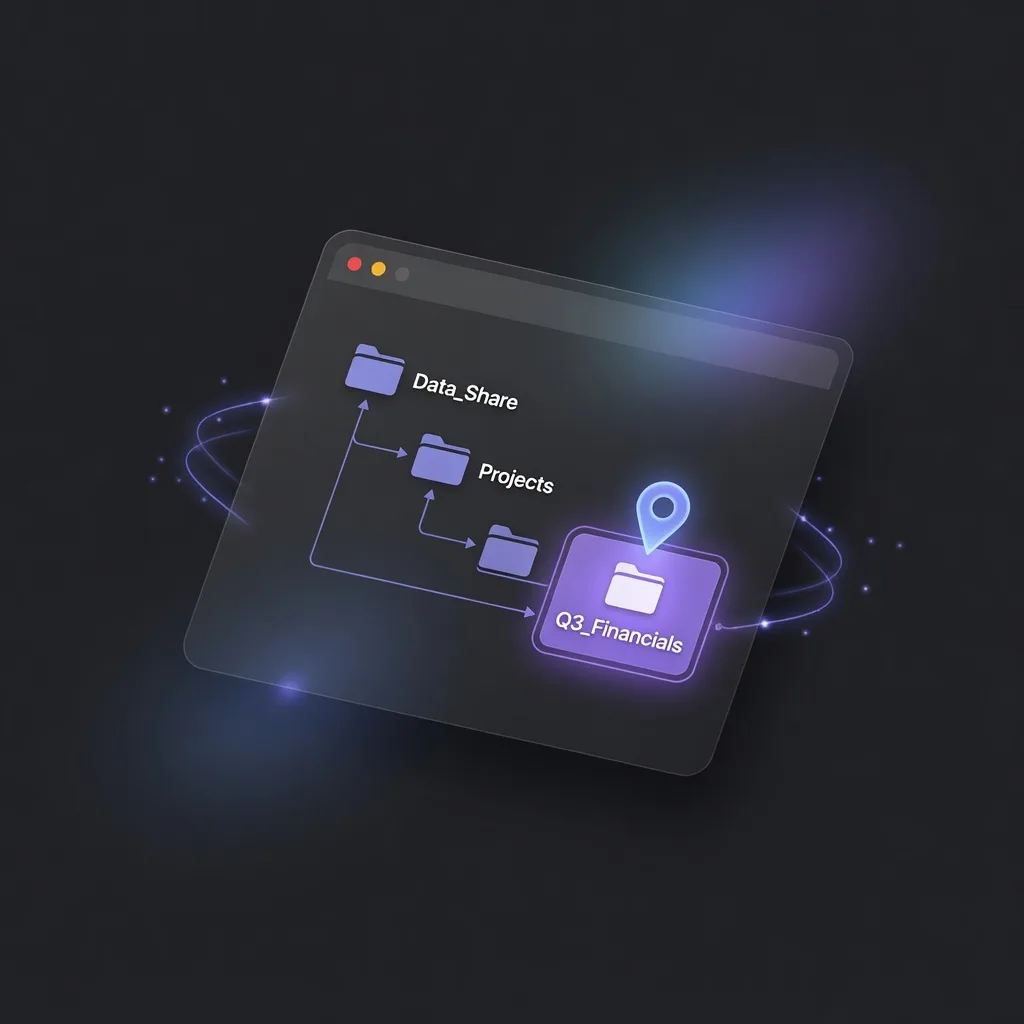
Mount a specific subdirectory like smb://nas.local/share/tools — only what you need, not the entire share.
Local Encrypted Storage.
No Keychain Required.
Passwords stored in a local encrypted file — no macOS Keychain dependency, better compatibility with VPNs and complex network setups.

NTFS Read & Write.
Full Local Disk Support.
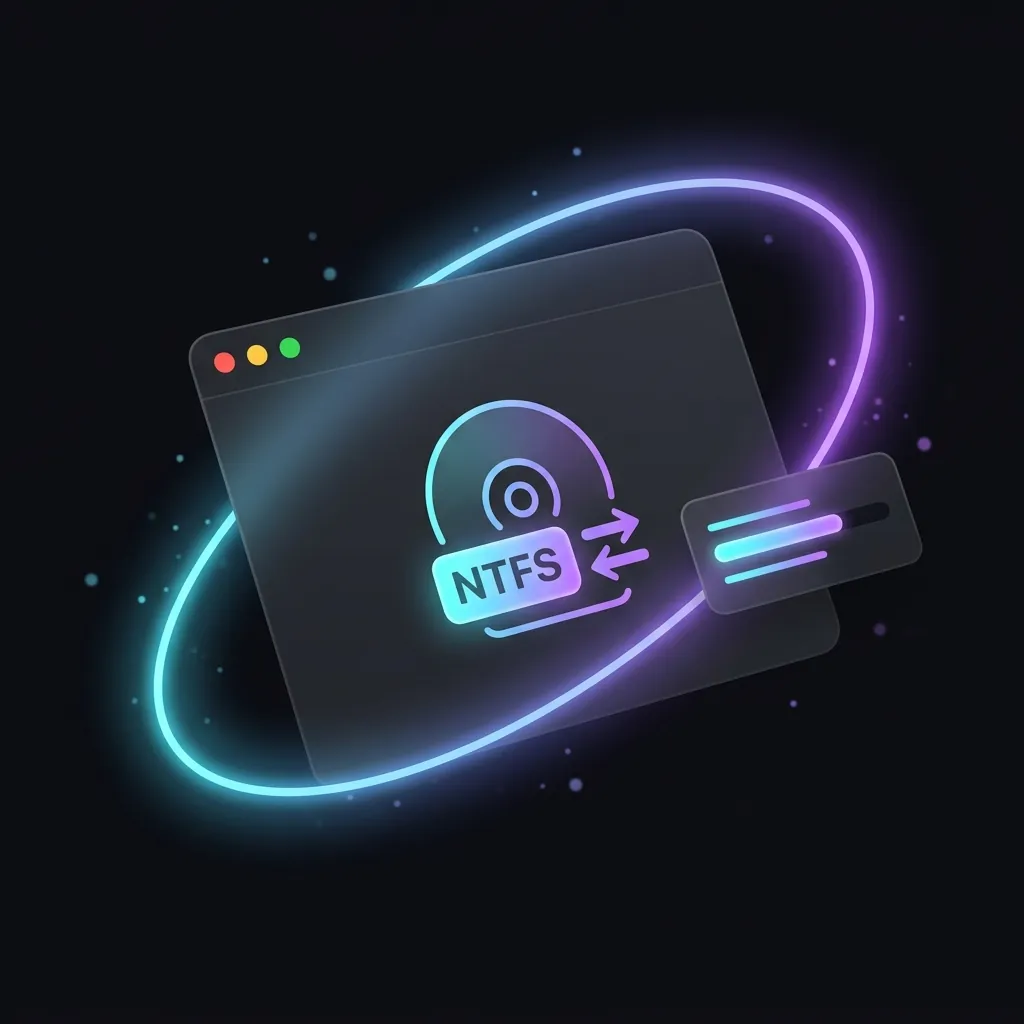
Breaks through macOS's read-only limit on NTFS — Windows-formatted external drives and USB sticks mount read-write, managed right alongside your network volumes.
All Features
Lightweight but complete
Multi-Protocol
Supports SMB, WebDAV, AFP, and NFS — covering all major NAS and cloud storage protocols.
Auto Reconnect
Detects server recovery after network interruption and silently remounts. No manual Finder.
Subdirectory Mount
Mount a specific subdirectory, e.g. smb://nas.local/share/tools. Precise mounting.
Local Encrypted Storage
Passwords in a local encrypted file. No macOS Keychain dependency for broader compatibility.
Bilingual UI
Chinese and English UI. Switches automatically with system language preference.
Log Viewer
Right-click menu bar icon for 24h log history. Diagnose mount issues fast.
Platform
Built for macOS
Menu Bar Utility
- Lives in menu bar, never interrupts your workflow
- SMB / WebDAV / AFP / NFS protocol support
- Silent auto-reconnect, no user intervention needed
- Bilingual UI — switches with system language
Get AutoVolume
Download AutoVolume
Free on GitHub. MIT license. v0.1.45.